
Map
Jump to navigation
Jump to search
- For more information about the Map interface since A13, see Map Window.
The map can be accessed by pressing M, this will either bring up your current location in Navezgane or your current location in the Randomly Generated World.
Symbols
There are several symbols that help you find important places.
- House: A Bedroll or An Old Bed marking a spawn point.
- Red flag: Waypoint location.
- Green arrow: Friend location (in multiplayer mode)
Colors
In version A20, the colors on the map indicate as follows:
- Black spots - towers of stone or (sometimes) cave entrance
- Grey squares - Stone boulders
- White Squares - Potassium Nitrate deposit
- Small Brown squares - Iron Ore deposit
- Small Black Squares - Coal Ore deposit
- Small Blue Squares - Lead Ore deposit
- Light Brown - Oil Shale
Gallery
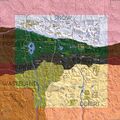
Alpha 18
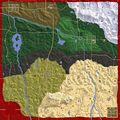
Navezgane A16 B105 by Curbolt
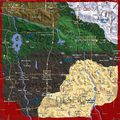
Navezgane A15
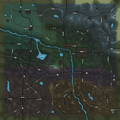
Map of Navezgane A14
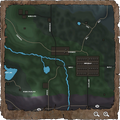
Section of Ingame Map
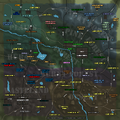
Detailed Map of Navezgane
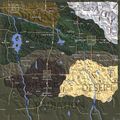
Alpha 14.3
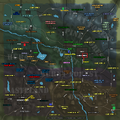
Navezgane Alpha 13.5 Points of Interest
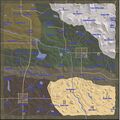
Navezgane Alpha 12 all locations marked
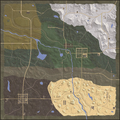
Navezgane Alpha 11.1
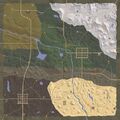
Navezgane Alpha 9.3 with Spawns


Videos
de:Karte es:Mapa pl:Mapa ru:Карта
Categories:
- Maps
- Alpha 21